
Pet sitting software in HoundStack
Pet sitting is live. Stays lay out every visit for you, the sitter follows care instructions for each pet, and the client gets one invoice for the whole stay.
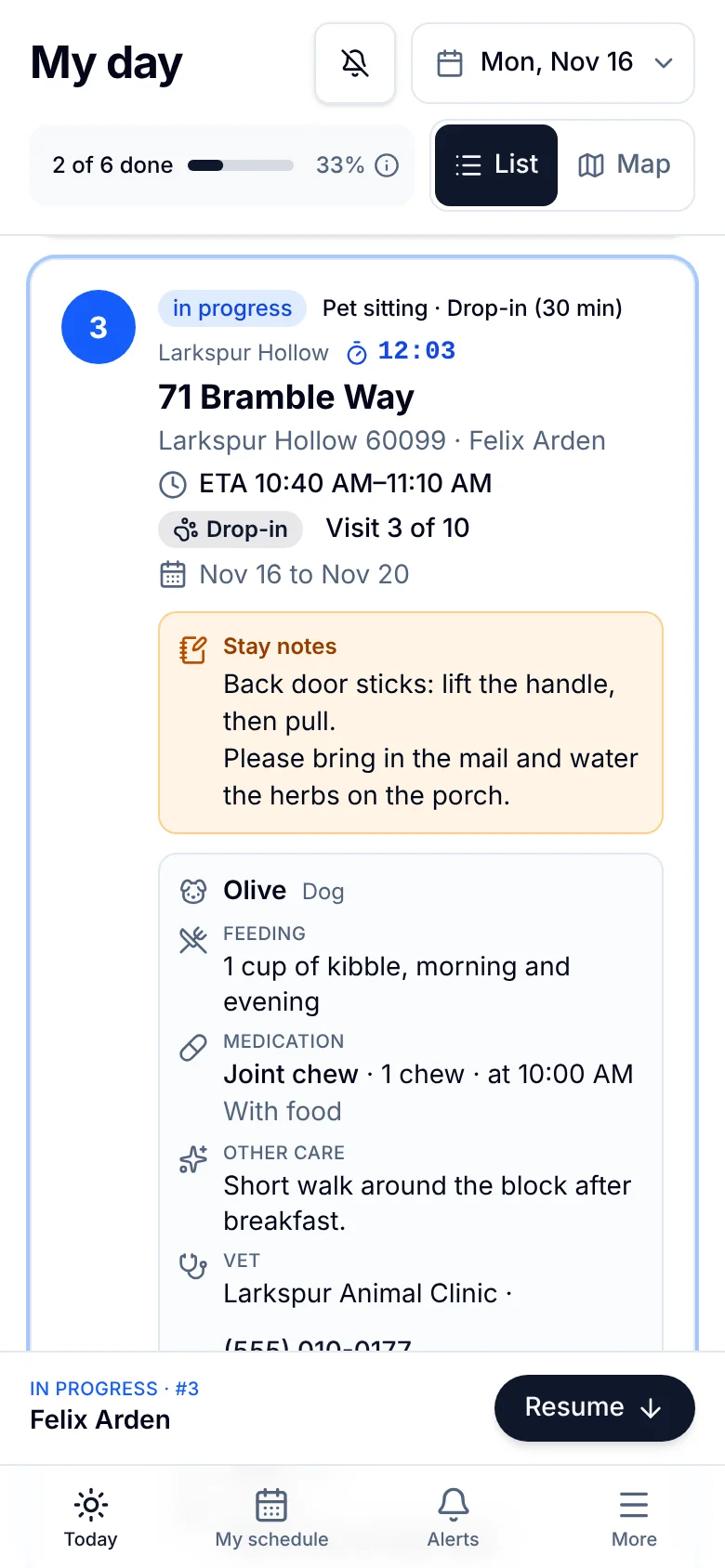
Every visit of a stay, on the sitter’s phone
A stay creates the drop-ins or overnights for each day, and the sitter works each one from My day: which visit of the stay it is, and each pet’s food and medicine with the dose and the time.
What pet sitting includes
Live on app.houndstack.com, in the same account as every other service.
Stays
- A multi-day stay creates the drop-ins or overnights for each day.
- One sitter for the whole stay.
- Clients request a stay with dates in the portal.
Care instructions per pet
- The food amount for each pet.
- Medicines with the dose and the time to give them.
- Cats and other pets, not only dogs.
Care log and visit reports
- A care log on each visit.
- A missed medicine is flagged to the office and to the client.
- Visit reports with photos.
Pricing and invoices
- Per visit and per night pricing, with an extra pet fee.
- One invoice per stay.
In the same account as every other service
Pet sitting runs on the same schedule, field app, billing and client portal as every other service.
Your first week on pet sitting
- 1
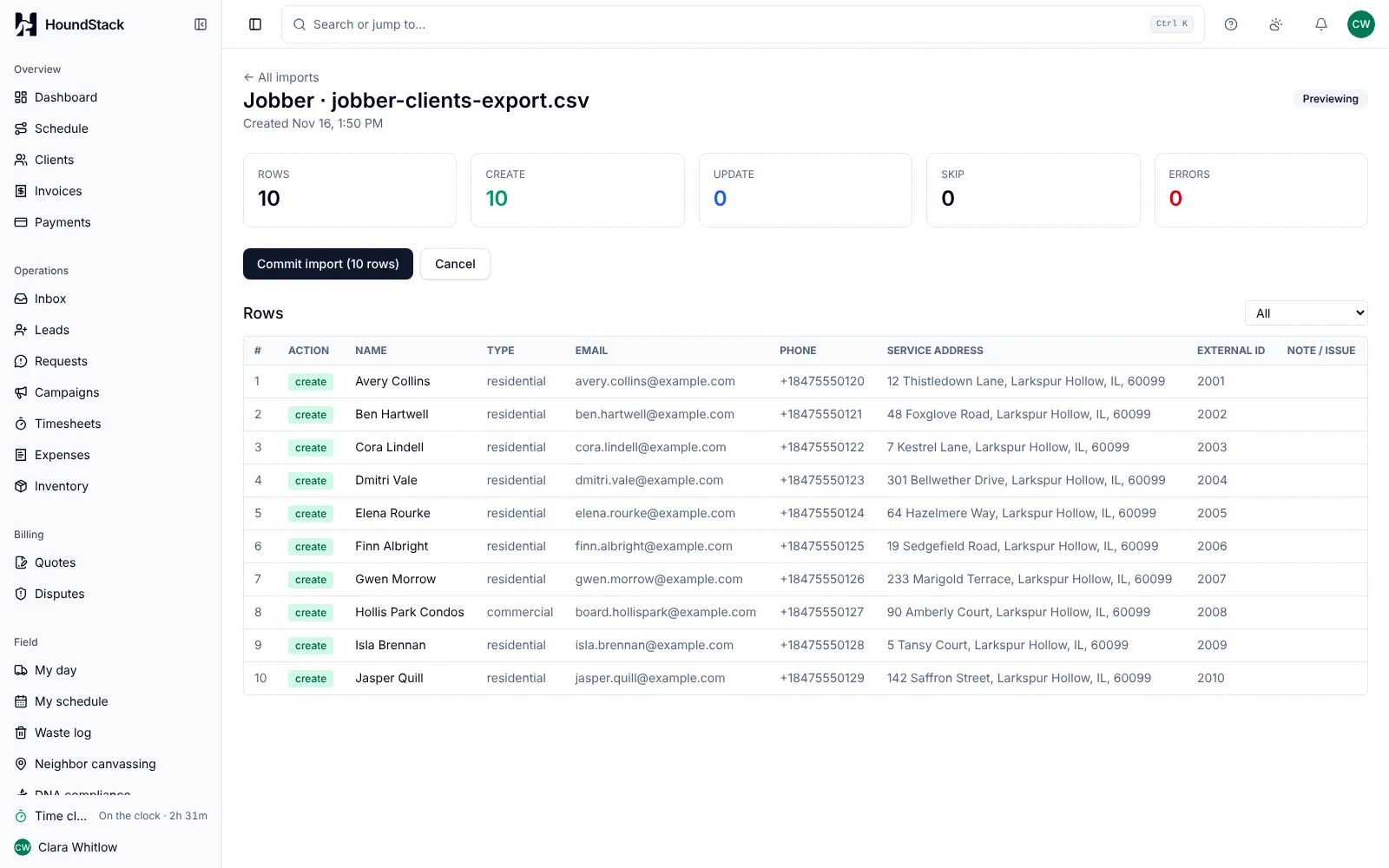
Bring your clients in
The importer shows every row it would create, update or skip in a dry run. Nothing is written until you confirm.
- 2
Put the first week on the board
Set up pet sitting with its pricing and schedule the week. Visits land on the schedule and on each person's phone.
- 3
Send the first invoices
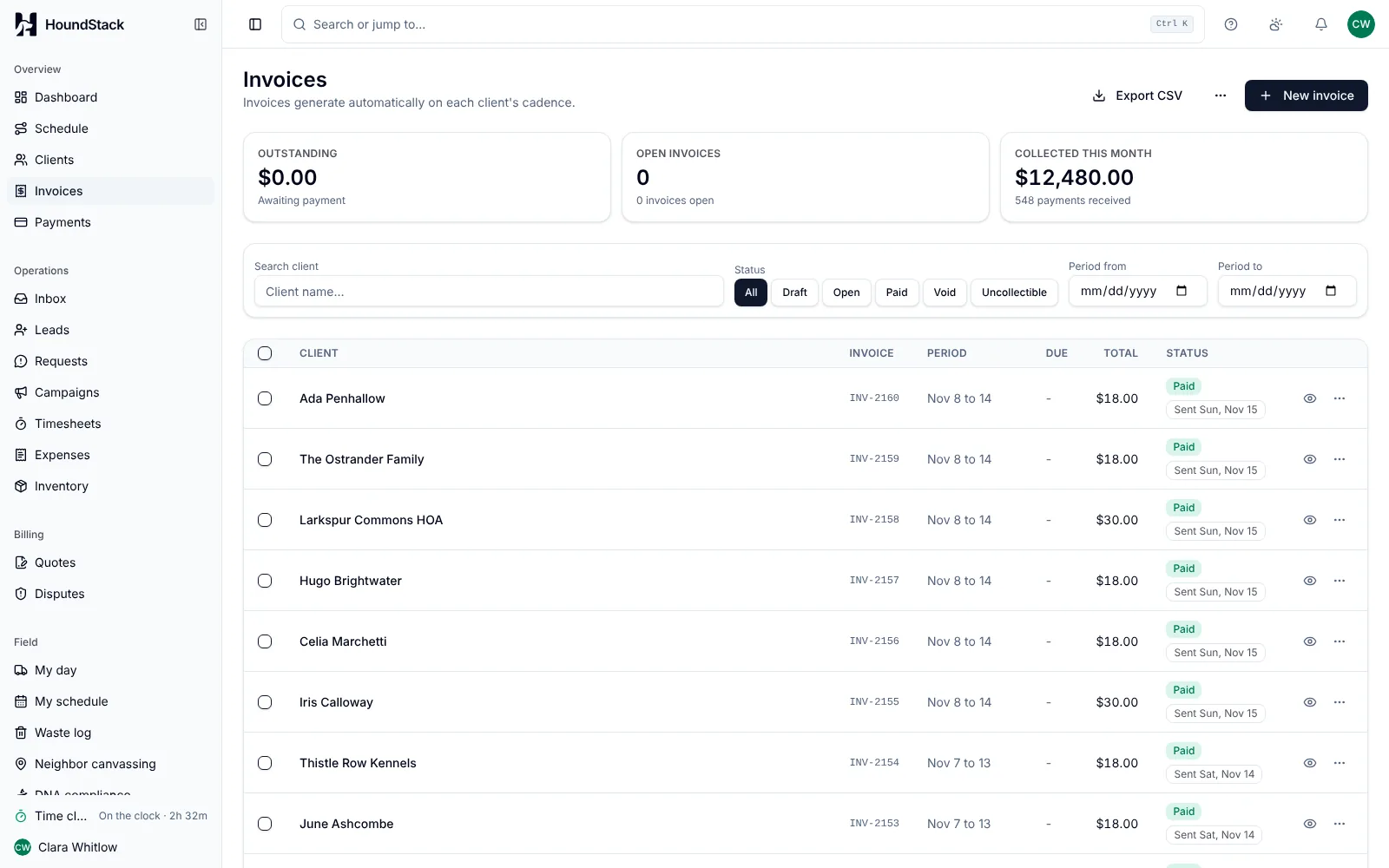
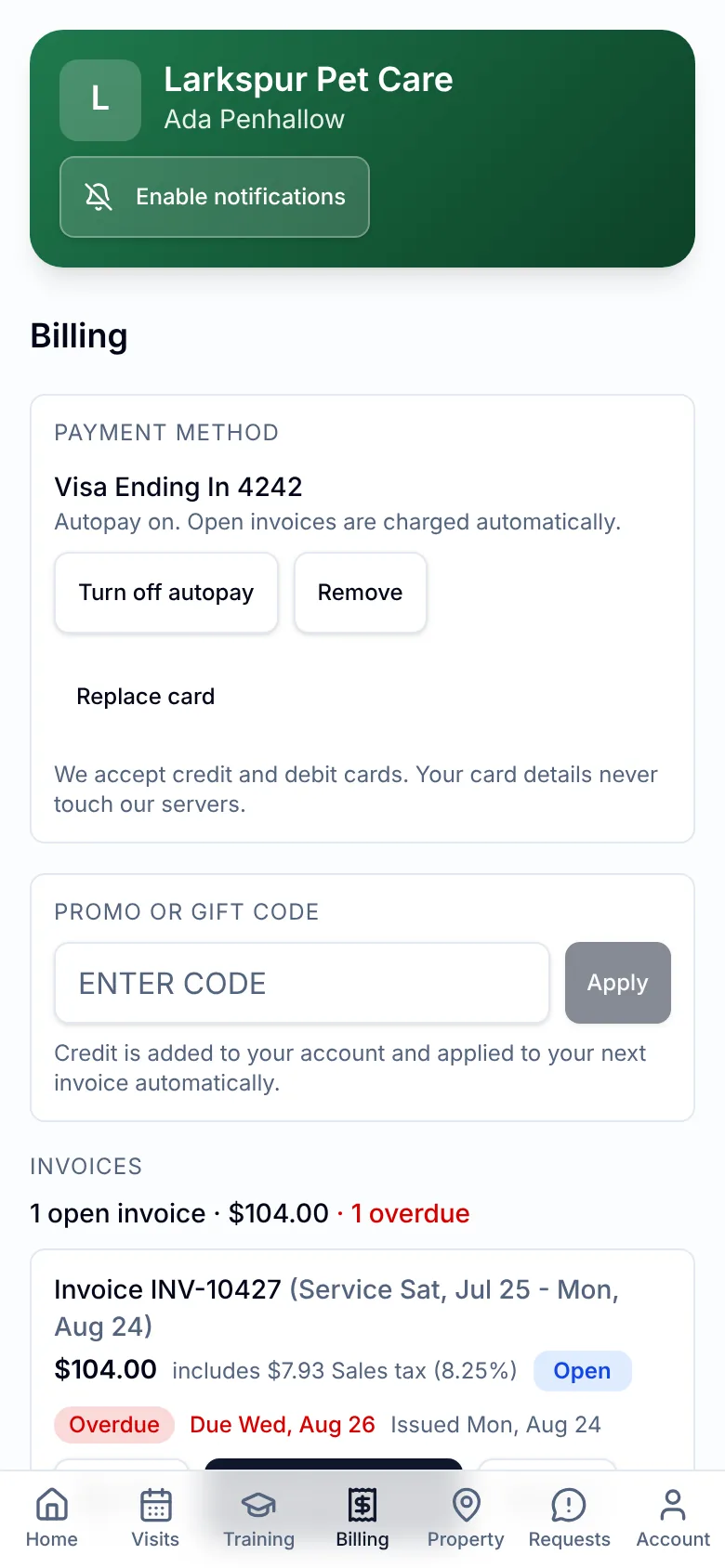
Invoices go out from the same account, and clients pay in the portal through your connected payment account.
Coming from another tool? See the switching guides.
Other services in HoundStack
Run your pet sitting business on it this week
Import your clients, put the first week on the board and send the first invoices. Questions first? Email support@houndstack.com.
14-day free trial, no card. Founding offer: code LAUNCH20 takes 30% off your plan for life for the first 20 businesses.